Can an AI really answer my business phone, or will customers just hang up on a bot?
Yes, for bookings, order checks and callbacks, as long as you decide which calls it takes and what it does when it is out of its depth. Andrei on where an AI receptionist works, where it does not, and the two technical things to know first.
It depends on what the call is.
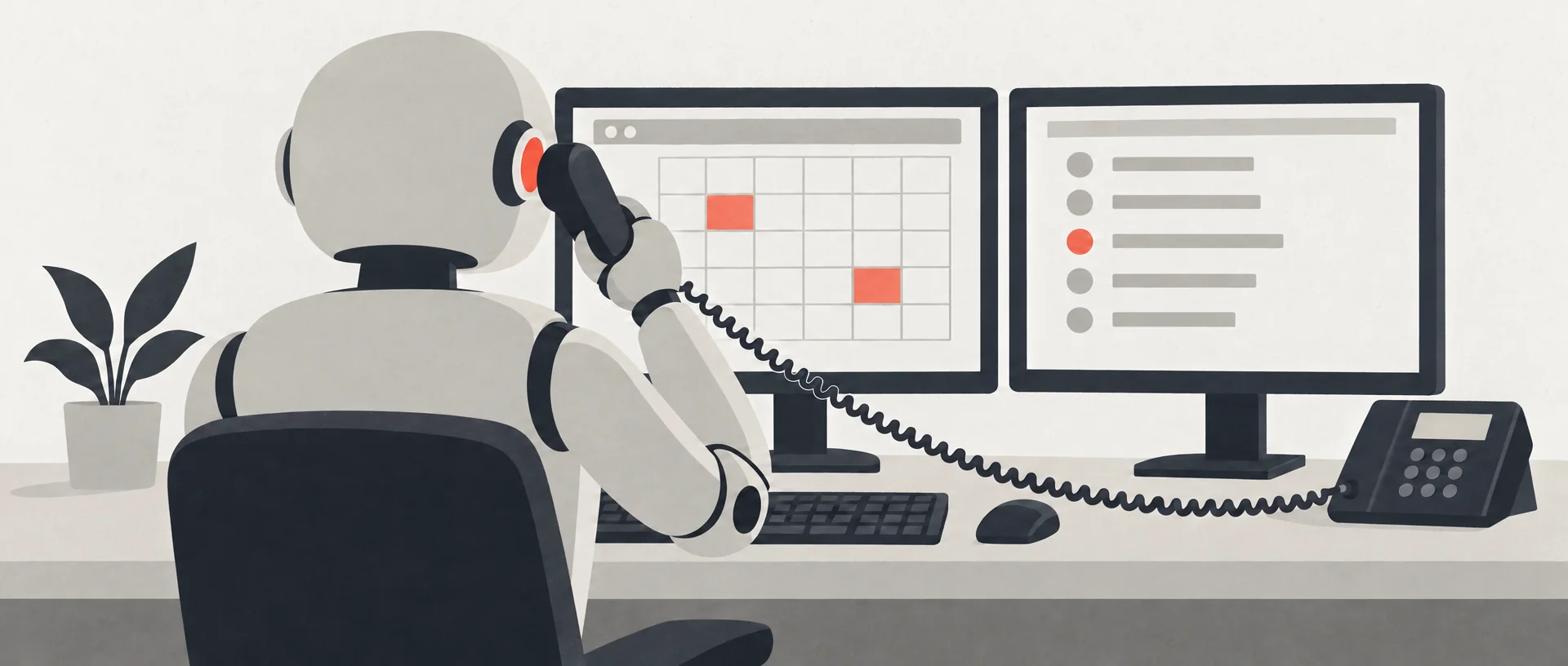
If it's a dispute, a complaint, or any call where you want to build a relationship with the customer, an AI is probably the wrong answer. If it's booking an appointment, checking on an order, or taking details for a callback, it can do the job today. Those are the calls that add the least value when a person takes them, and they're often the ones that get missed.
That wasn't true two years ago. Even booking an appointment was shaky, because the models weren't consistent enough to work with your database and your customer records, follow your company's rules, and resist anyone trying to talk them out of those rules. The voices were robotic too. Now the better models handle all of that, and the voices are natural enough to get past the uncanny valley. That matters, because the more human the voice, the more people connect with it, and connection is the experience you want your customers to have. The best models sound the most human, but they're slower to answer, which I'll get to.
So will people hang up on it? Some will. I've read the Reddit and Whirlpool threads, and the pattern is the same: people hang up the moment something breaks. What breaks is usually a question the AI should never have been left to answer. That's a setup problem. It comes down to what the AI is allowed to handle, what its guardrails are, and what happens when a caller steps outside them.
Our own receptionist is Tom, and I set him up myself. His job is to book appointments and take details for a callback. Tom doesn't announce that he's an AI, but he calls the owners of Fulcrum his “human overlords”, so it's no secret.
I gave him a bit of attitude and a dry Australian sense of humour on purpose. If I'm collecting details over two to five minutes, I don't want it to feel like a script, because then people may as well fill in a form. I want them to keep talking to hear what Tom says next. It's hard to tune. At one point I had him too sassy. There's a line between playful and serious, and he has to notice when someone is uncomfortable and ease off.
In my testing, somewhere between 5 and 10% of people didn't warm to him, and I was happy to lose them to keep the other 90% engaged. It was informal testing, so treat it as my experience, not a study. It depends on your business and your customers. If you're serious and corporate, or your caller is checking an order and wants it quick, jokes are the wrong call. Nobody in a hurry wants a robot telling jokes.
Where does a human come in? For Tom, nowhere: he takes details for a callback, and after hours there'd be nobody to hand over to anyway. For customer service you can set the AI to escalate to a person when it's unsure, when the question is complex, or when the caller asks for one after the AI couldn't help. I'd always honour that last one.
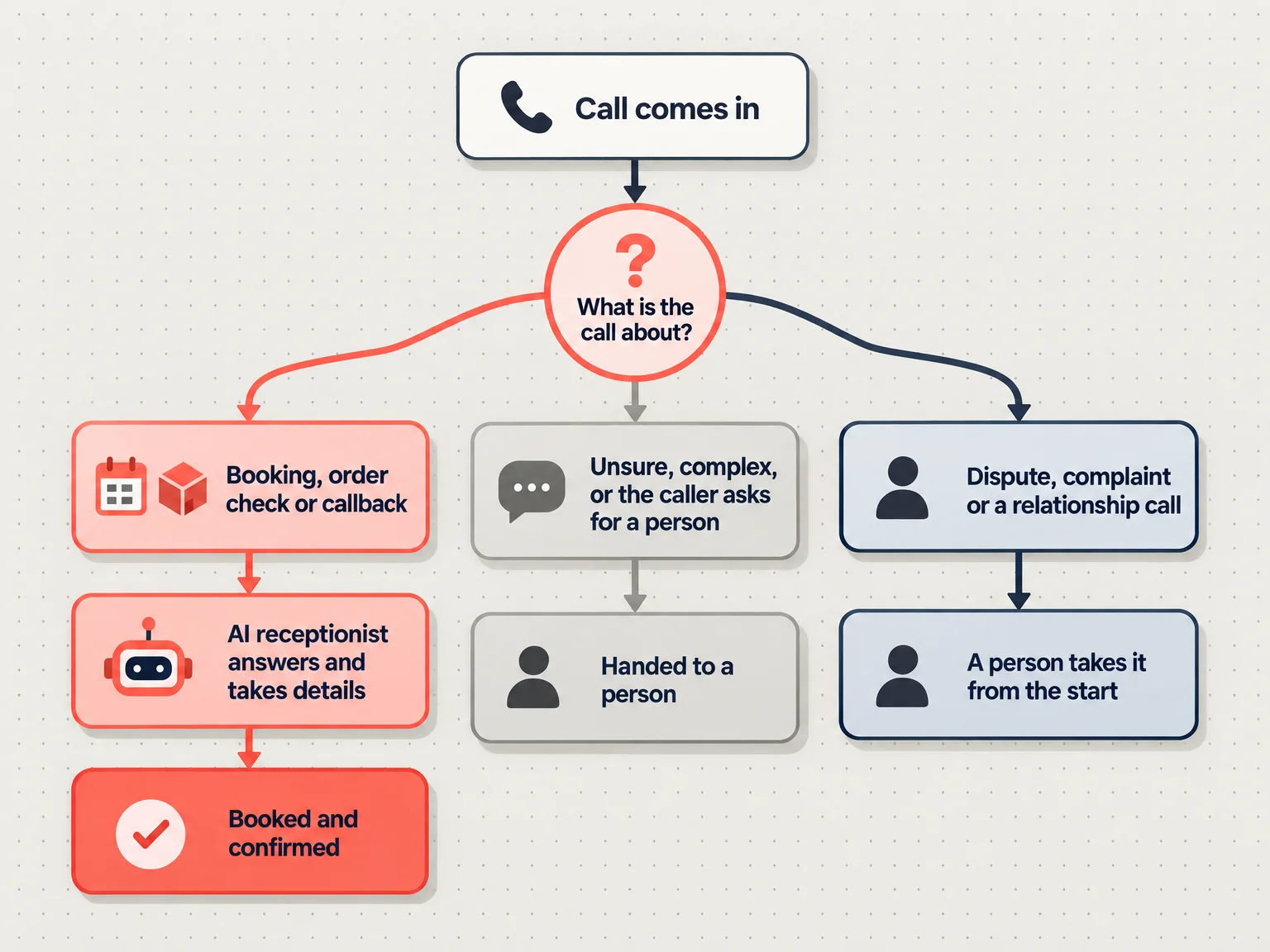
I'd be careful about giving customer service to a robot. The companies I'm most loyal to are the ones where I had a problem, spoke to a real person, and felt like a valued customer. I don't think AI will replace that. Even if it gets close, I don't think we'd appreciate it the same way, because a person isn't programmed to care and an AI might be.
Two technical things to know before you set one up.
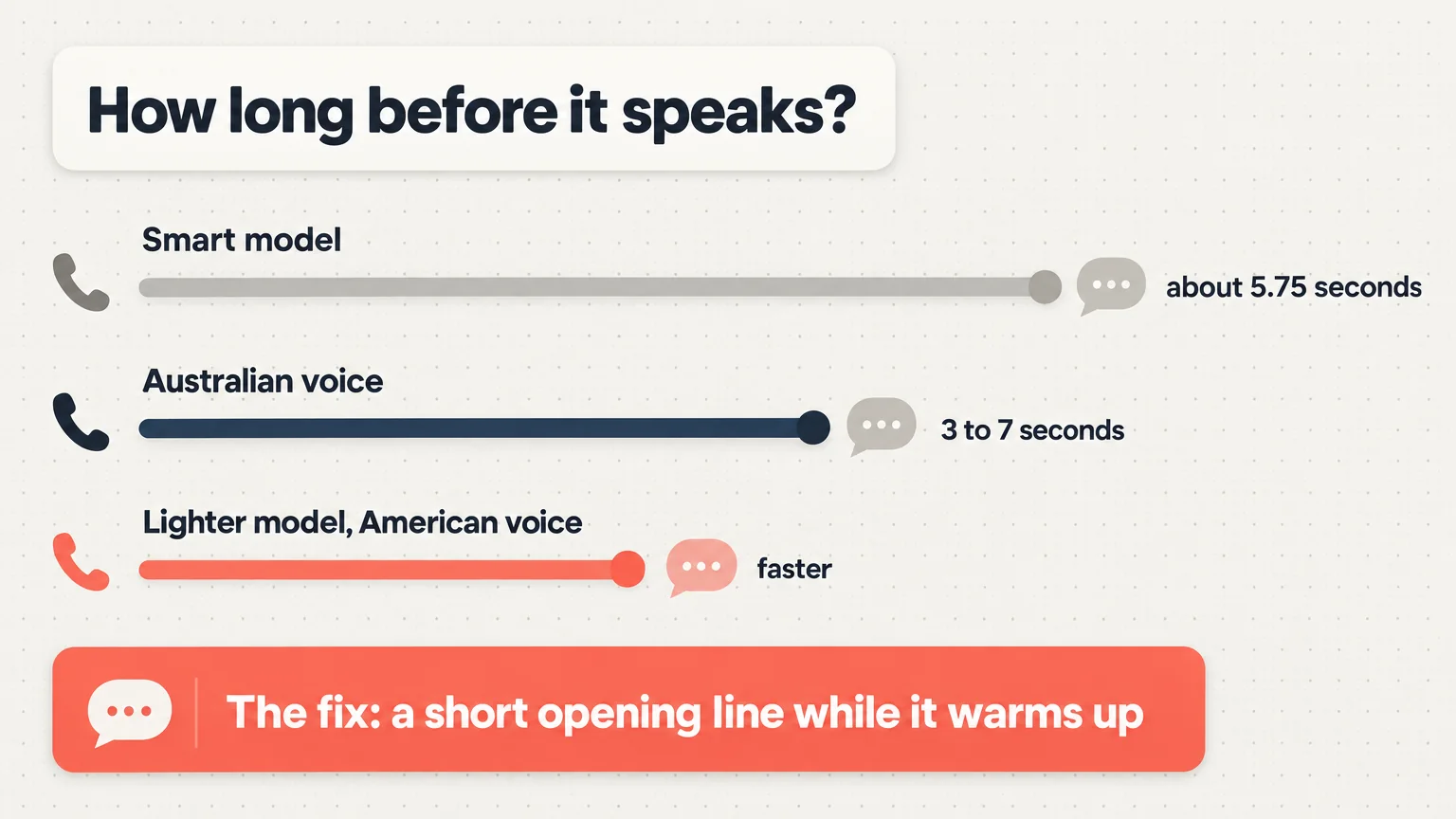
Speed. The AI takes a moment before its first reply. On the smart model I run, it's about 5.75 seconds. A lighter model brings that down, and so do faster American voices. I recommend an Australian voice because Australian customers connect with it, and with one the first reply takes somewhere between 3 and 7 seconds. There are ways to cut that, like having it start a short opening line while it warms up.
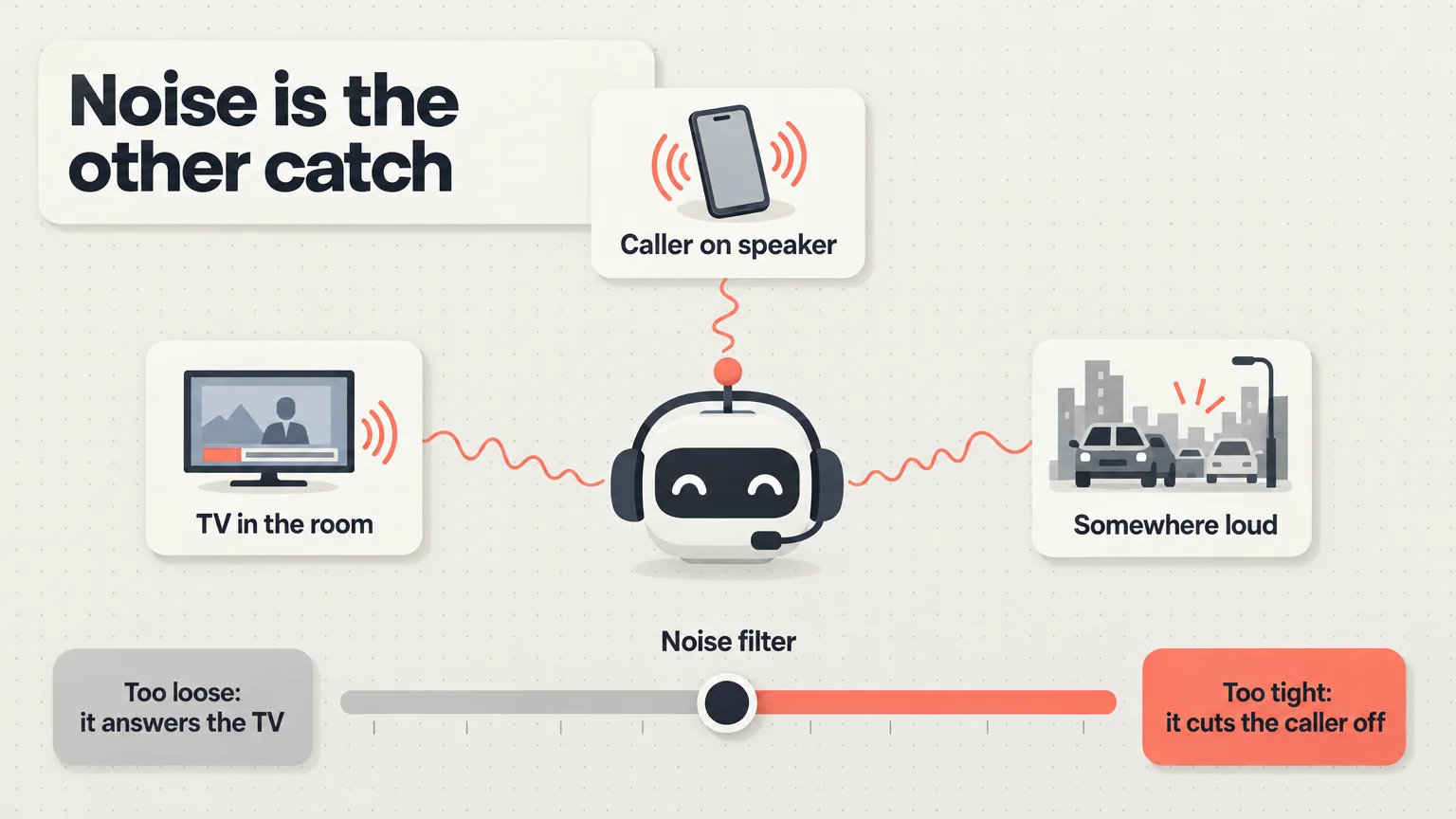
Noise. If the caller is on speaker, somewhere loud, or has the TV on, the AI can mistake another voice, like the presenter on the TV, for the caller and answer it. You can filter out background noise, but if the filter is too aggressive it cuts the caller off, and if it's too light the AI reacts to the baby, the bird or the television.
So yes, an AI can answer your business phone and handle the basics, as long as you decide which calls it takes and what it does when it's out of its depth. As the models improve, the list of calls it can take will grow.